Why Paper Cards Fall Short
A modern business card should be simple to show, easy to save, and useful after the conversation ends.
Two Views, One Card
What The Virtual Card Includes
Start with a professional digital card, then connect it to the same TAPNET growth tools as the business grows.
- Logo and profile image
- Brand color accents
- Portrait-friendly public card layout
- Add Contact
- Call and email
- Website and address links
- Calendar booking URL
- Google review request URL
- Shown as actions, not long raw links
- QR scan path
- Shareable public URL
- Mobile-first recipient view
Designed To Show In Person
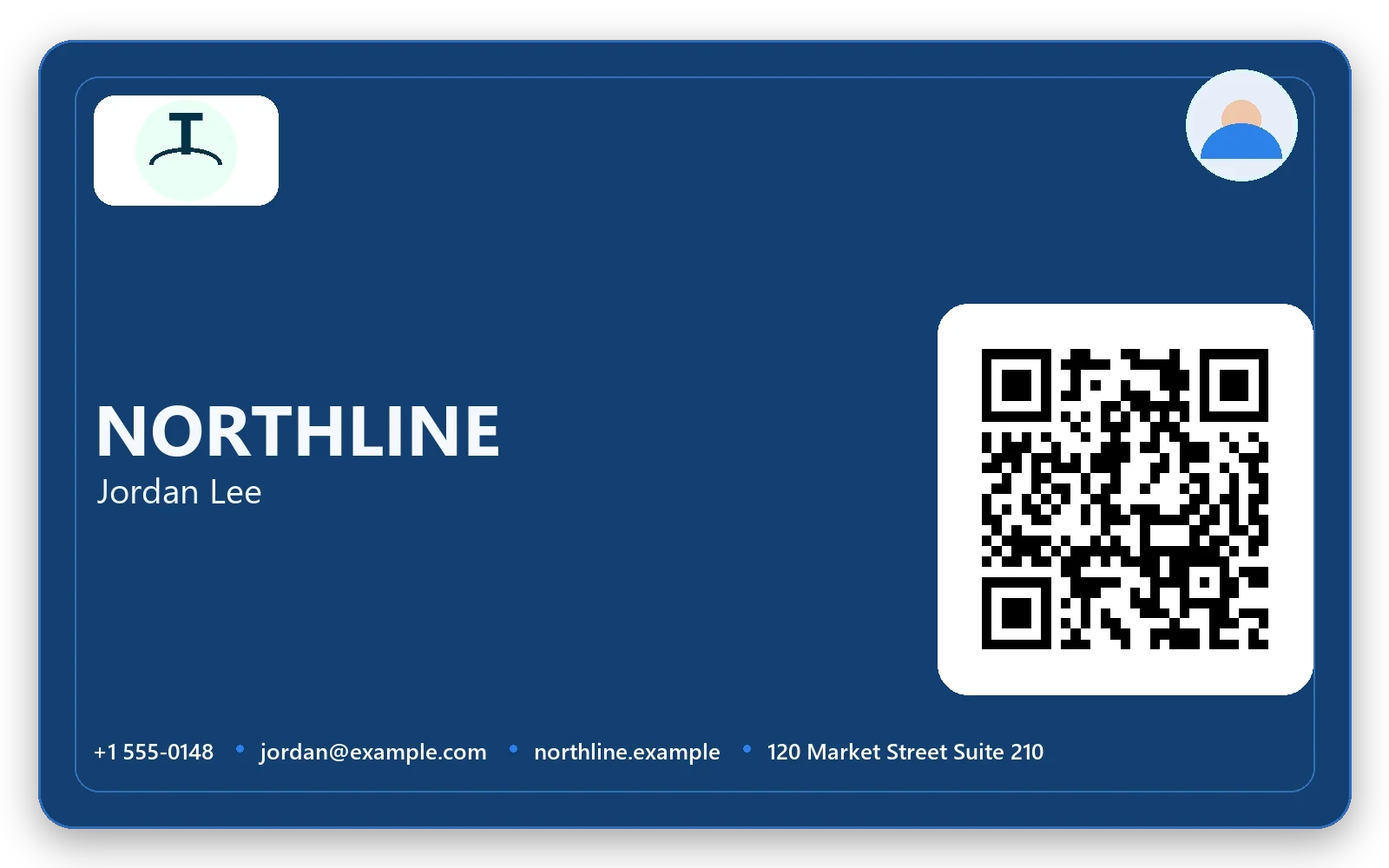
The private side should look like a real business card: logo, name, profile photo, brand color, and one clear QR code. It is meant to be held up on a phone, shared at a counter, or sent as a quick link.
Extra operational details belong on the public page after the scan, not crowded onto the card face.
- Large scannable QR code
- Clean card face for meetings and storefronts
- Share button for text, email, or social messages
Built For The Person Receiving It
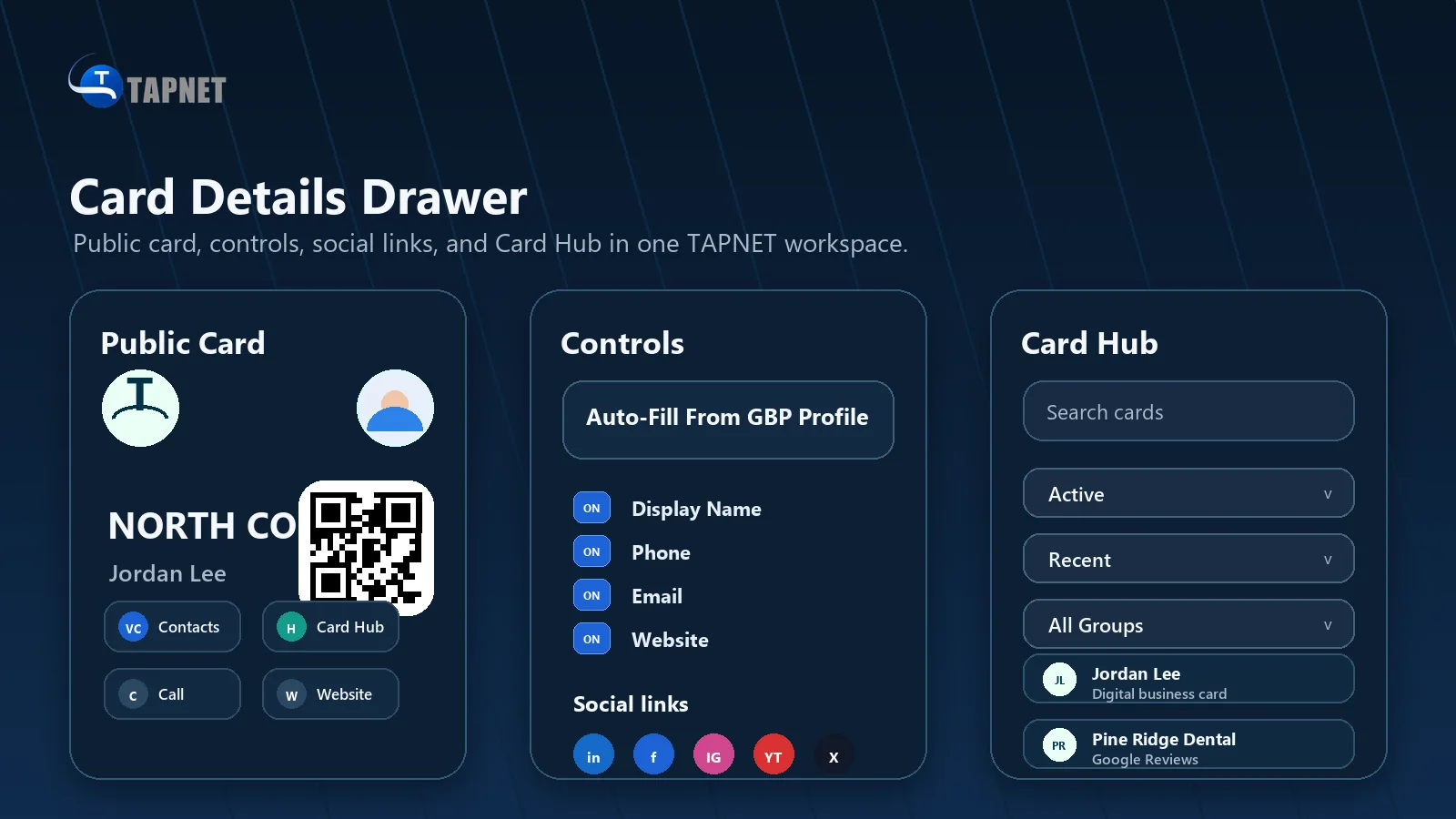
After the scan, the public card should feel useful immediately. People can save the contact, call, email, visit the website, book a time, open maps, or leave a review without sorting through a long list of raw fields.
- Browser-based public card
- No TAPNET app required
- Action buttons for the next step
Connected To TAPNET Growth Tools
The card can stay simple at launch and still grow into reviews, booking, Lead Widget prompts, AI Hub details, and local trust proof when the business is ready.
- Review path for happy customers
- Booking link for appointments
- AI Hub-ready business details
Use Cases For Local Businesses
The best digital card is not just a contact page. It is a small handoff tool for every moment when someone asks who to call, where to book, how to leave a review, or how to share the business with someone else.
- Show the QR card during networking, events, job sites, counters, and sales conversations
- Add the public card link to an email signature, text message, social profile, or printed QR sign
- Let service technicians and sales reps share the same business profile with their own contact details
- Move happy customers toward Google Review without making the review link dominate the business card
- Give prospects one mobile page for contact, booking, website, directions, and saved contact details
Easy Owner-Side Editing
Owners can open the Digital Business Card from the TAPNET mobile app, edit the fields directly on the private card, upload a profile photo or logo, and preview the public card before sharing.
- Edit name, company, phone, email, website, address, booking URL, and Google Review URL
- Upload a profile avatar and logo from the card editor
- Use logo color detection to suggest brand accents where available
- Preview the public card and share the QR or URL when the card is ready
Virtual Business Card FAQ
A quick set of answers for businesses deciding whether to use TAPNET as a digital business card, QR card, and public contact page.
- Is the virtual business card free? The starting card is positioned as a free TAPNET business card path, with connected growth features available as the account expands.
- Do recipients need the TAPNET app? No. The public card opens in a browser so customers and prospects can use it without logging in.
- Can I change the logo, photo, phone, email, website, or booking link? Yes. The private card editor lets the owner update the visible fields and media.
- Can the card include Google Review? Yes. The review URL can be added as an action on the public card without crowding the private QR card face.
- Can I share by QR, text, or link? Yes. The card supports a scannable QR code, shareable public URL, and mobile share flow.
- Where do I edit my card? Open the TAPNET mobile app and use the Digital Business Card drawer to edit fields, upload images, preview the public card, and share it.
Business Card Signals
Create The Card
Create Your Free Virtual Business Card
Start with a clean digital card and a public scan page. Edit the private card, upload brand assets, preview the public view, then share the QR or link.
Create Free Business Card