- Active keyword credits
- Recurring report history
- Downloadable summaries
SEO Hub | Keyword Tasks, Search Console SEO Reports, and Marketplace Workflows
SEO Optimization Service
Choose The Next SEO Task
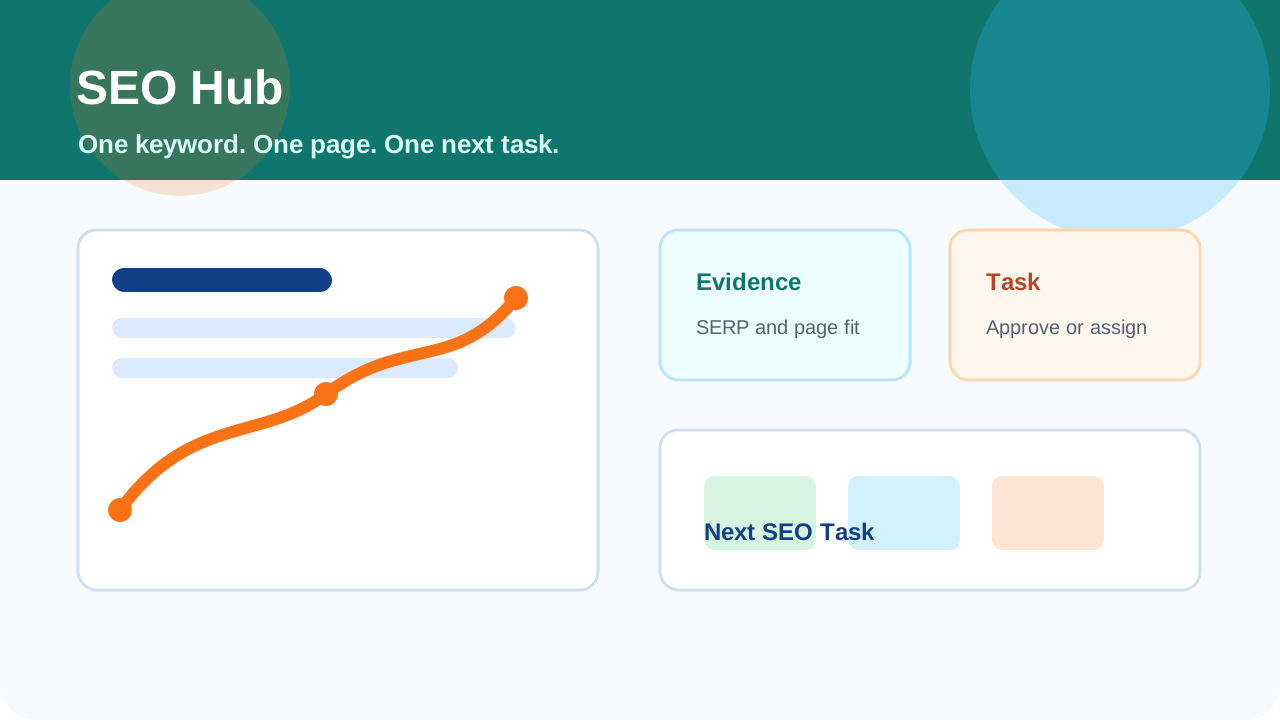
Turn one keyword and one page into a clear next task.
Why SEO work gets stuck
SEO Hub turns broad advice into a short queue of work with evidence, ownership, and a clear finish line.
Keyword lists without ownershipEvery active keyword is tied to one target page, one report, and one next implementation pass.
Reports that never become editsTitle, meta, content, proof, local, and conversion recommendations become practical SEO Queue tasks.
No proof before investing effortCompetitor pages, SERP signals, ad evidence, and page checks explain why the work matters.
Clients unsure who should do the workTasks can stay internal, go to the site owner, or be opened for provider bids when execution help is needed.
Built around the work sequence
Find demandImport Search Console opportunities or add service, offer, and location ideas worth testing.
Attach a pageChoose the existing or planned page that should rank so the recommendation has a destination.
Inspect evidenceCompare the first page, ad activity, page fit, proof gaps, and conversion clarity before committing.
Move to actionApprove, complete, rerun, or request provider bids from the SEO Queue when the task needs help.
What SEO Hub gives clients
SEO Hub shows what matters, what should happen next, and who should do the work.
- Competitor rows
- Ad evidence
- Landing-page fit checks
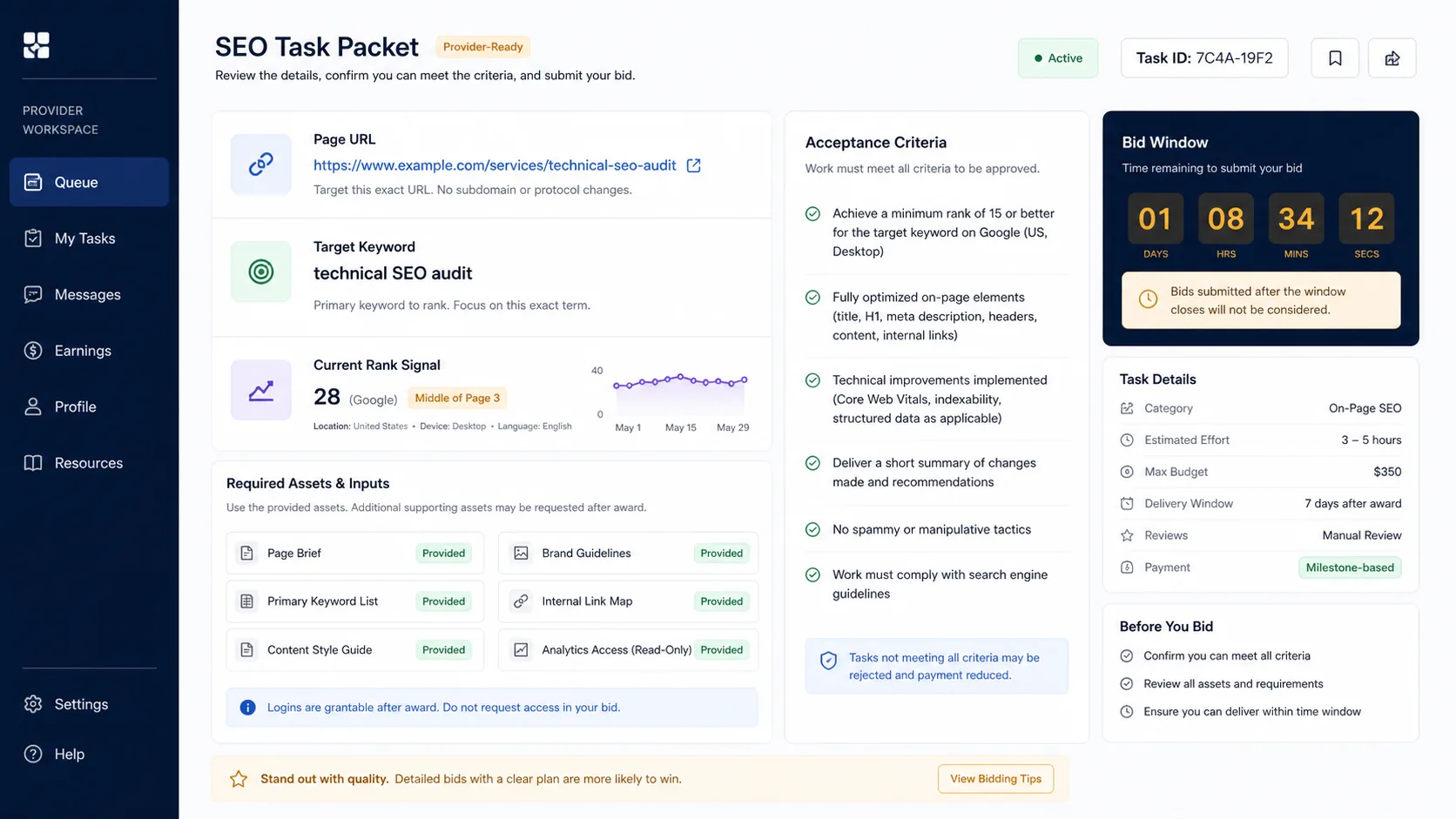
- Required assets
- Acceptance criteria
- Priority and source signal
- Keyword capacity
- Client reports
- Service delivery packets
What TAPNET checks
Keyword To TaskOne phrase, one page, one report, and one task. That keeps the next move clear for the client and the person doing the work.
- Selected keyword and target URL
- Search intent and current position
- Title, content, link, and conversion actions
Evidence Before EffortSEO Hub checks traction, competition, ads, and page fit before a client spends time or budget on a recommendation.
- Search Console traction
- Competitor and SERP evidence
- Landing-page fit checks
Request Provider BidsWhen execution help is needed, the client can open an eligible SEO Queue task for provider bids with the scope already defined.
- Target keyword and page
- Required assets
- Acceptance criteria
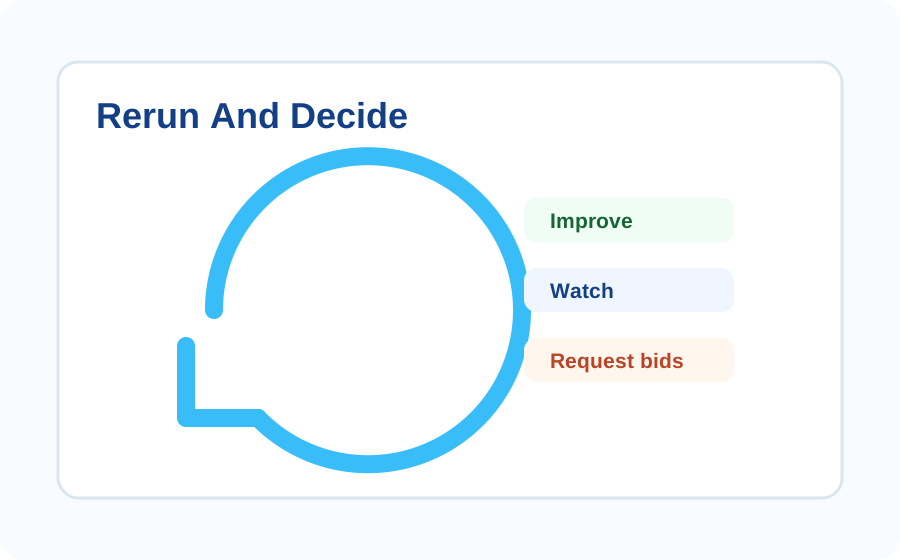
Rerun And DecideAfter work is completed, rerun the keyword report to see whether the next move is improve, watch, request bids, or move on.
- Fresh report history
- Clear status after each pass
- A smaller queue of useful work
Lead Signals
Keyword selectionStart from Search Console traction, sitemap discovery, domain opportunities, or manually entered service keywords.
SERP intelligenceInspect first-page competitors, titles, descriptions, content fit, and ad evidence before deciding to compete.
Page optimizationTurn each report into title, description, content, internal link, and conversion recommendations for the assigned page.
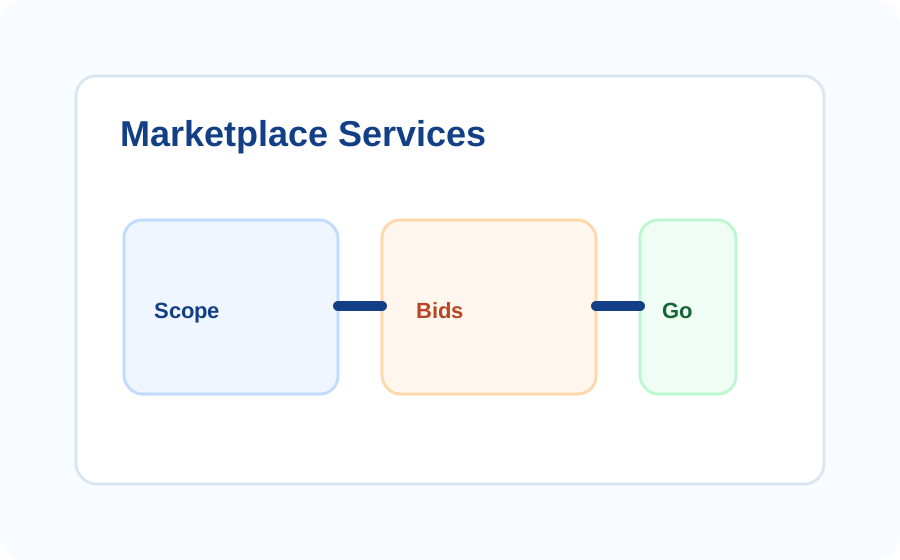
Marketplace servicesConvert approved recommendations into scoped SEO Queue tasks for service providers, in-house teams, or outside specialists.
Recurring serviceRerun weekly or monthly per active keyword credit and keep the workspace focused on measurable improvement.
Launch process
1Choose keywordsImport Search Console opportunities or add service, offer, competitor, and location keywords.
2Assign a pageConnect each keyword to the page that should rank or to the page that needs to be created.
3Analyze the evidenceReview top results, metadata, ad evidence, content gaps, proof gaps, and landing-page fit.
4Create queue workMove accepted recommendations into SEO Queue tasks with assets, acceptance criteria, and owner status.
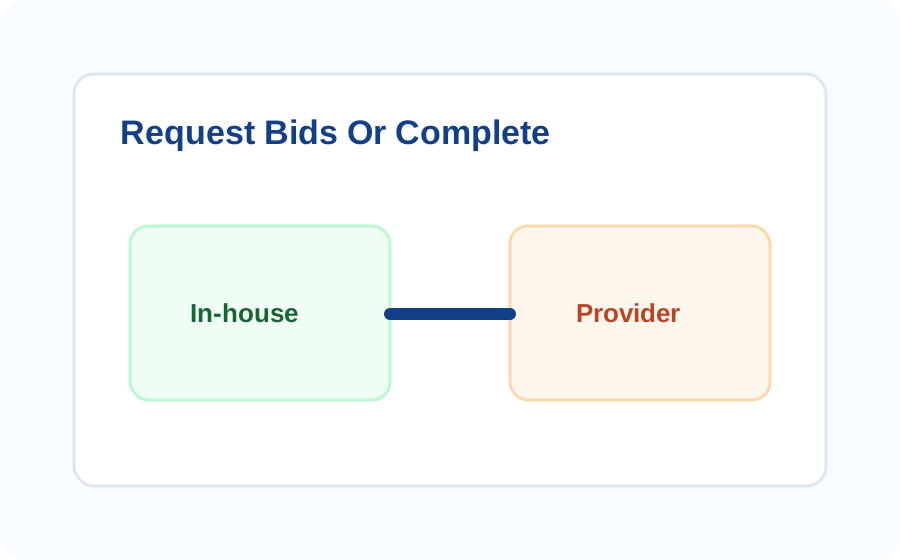
5Request bids or completeFinish the task internally or let the client request bids from registered SEO providers.
6Rerun and learnRefresh the report on the cadence tied to active keyword credits and keep useful history.