
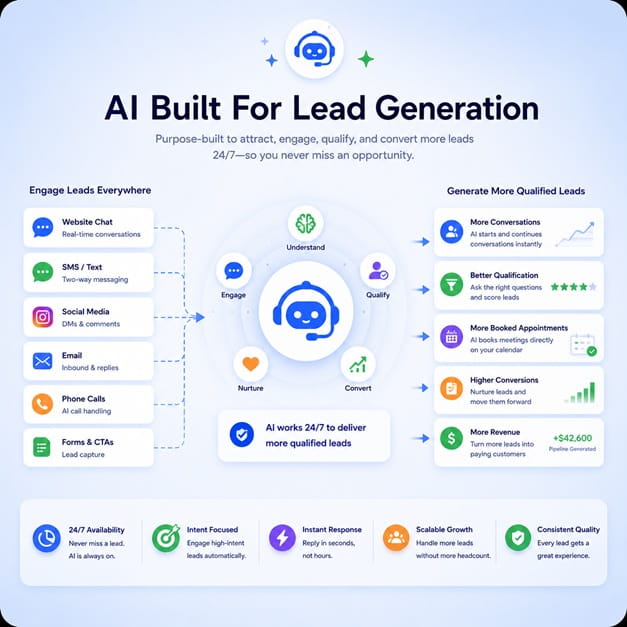
Why Visitors Leave
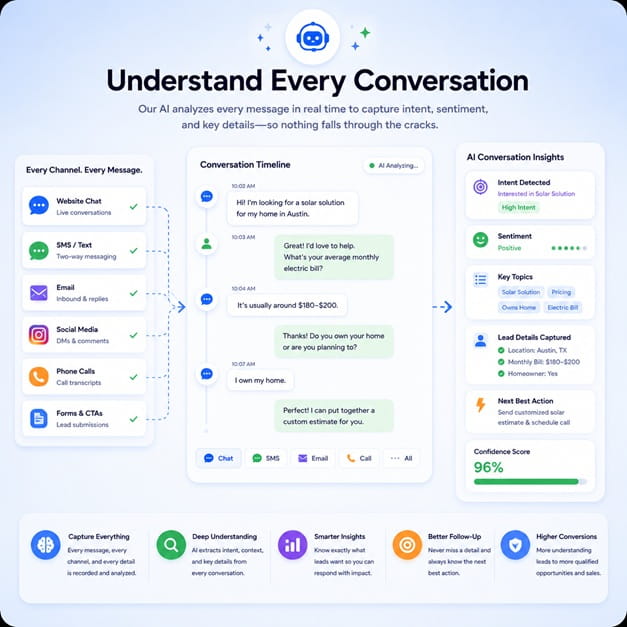
A chatbot helps when people need answers before they are willing to call, book, or fill out a form.
Answer First. Capture Second.
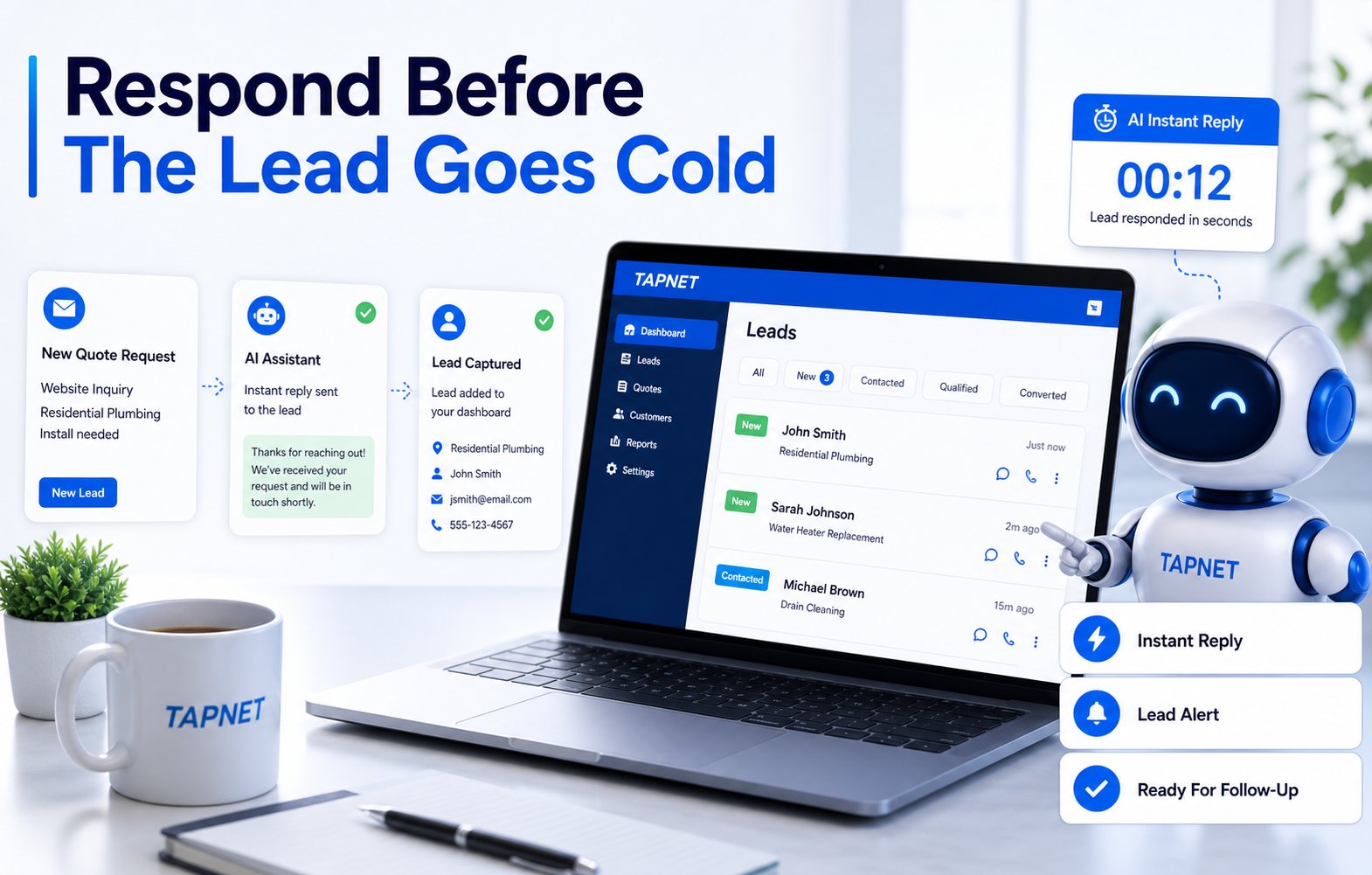
What The Chatbot Needs
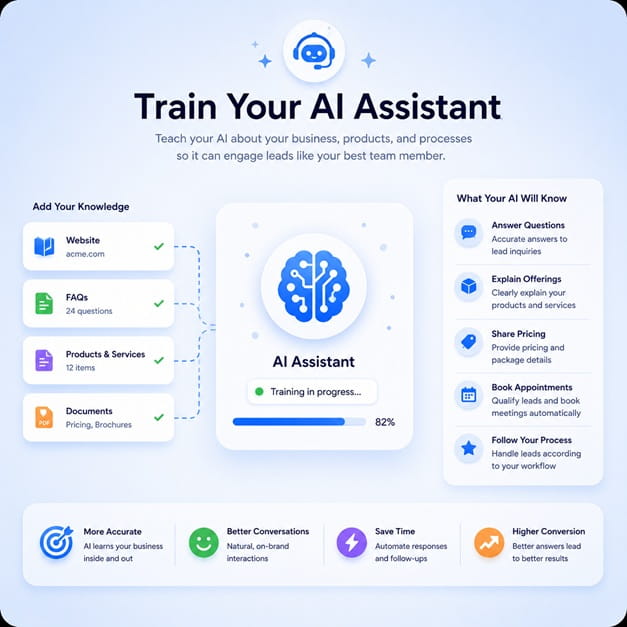
Good chat starts with clear business knowledge, not a generic script.
What the chatbot needs
The chatbot needs your services, areas, hours, pricing guidance, proof, FAQs, and next steps.
- Service fit, service areas, availability, and contact expectations
- Pricing factors, quote needs, booking rules, and trust proof
How AI Hub keeps answers aligned
The chatbot should not maintain a separate version of the business. AI Hub keeps chat, pages, and widget copy aligned.
- Training modules define approved answers
- Freshness checks flag facts that need review
When chat should qualify
The chatbot should detect fit, location, urgency, service need, and contact readiness without forcing every visitor into a form.
- Answer general questions first
- Ask qualifying questions only when intent appears
When to capture
Capture details after the visitor shows service fit, location fit, urgency, or next-step readiness.
- Answer questions before asking for contact details
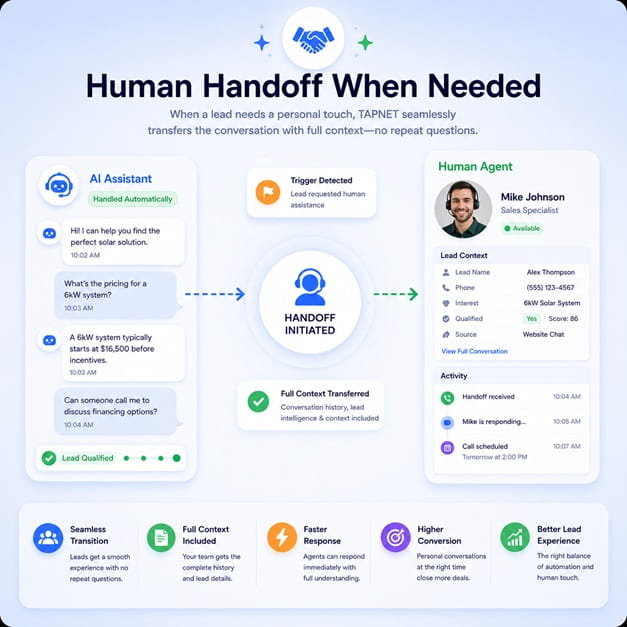
- Create a handoff only when intent is clear
What to improve
Repeated questions show which answers are missing, unclear, or worth adding to the AI Hub.
- Recurring questions become missing answers
- Unclear answers become Hub updates
Answers From Approved Knowledge
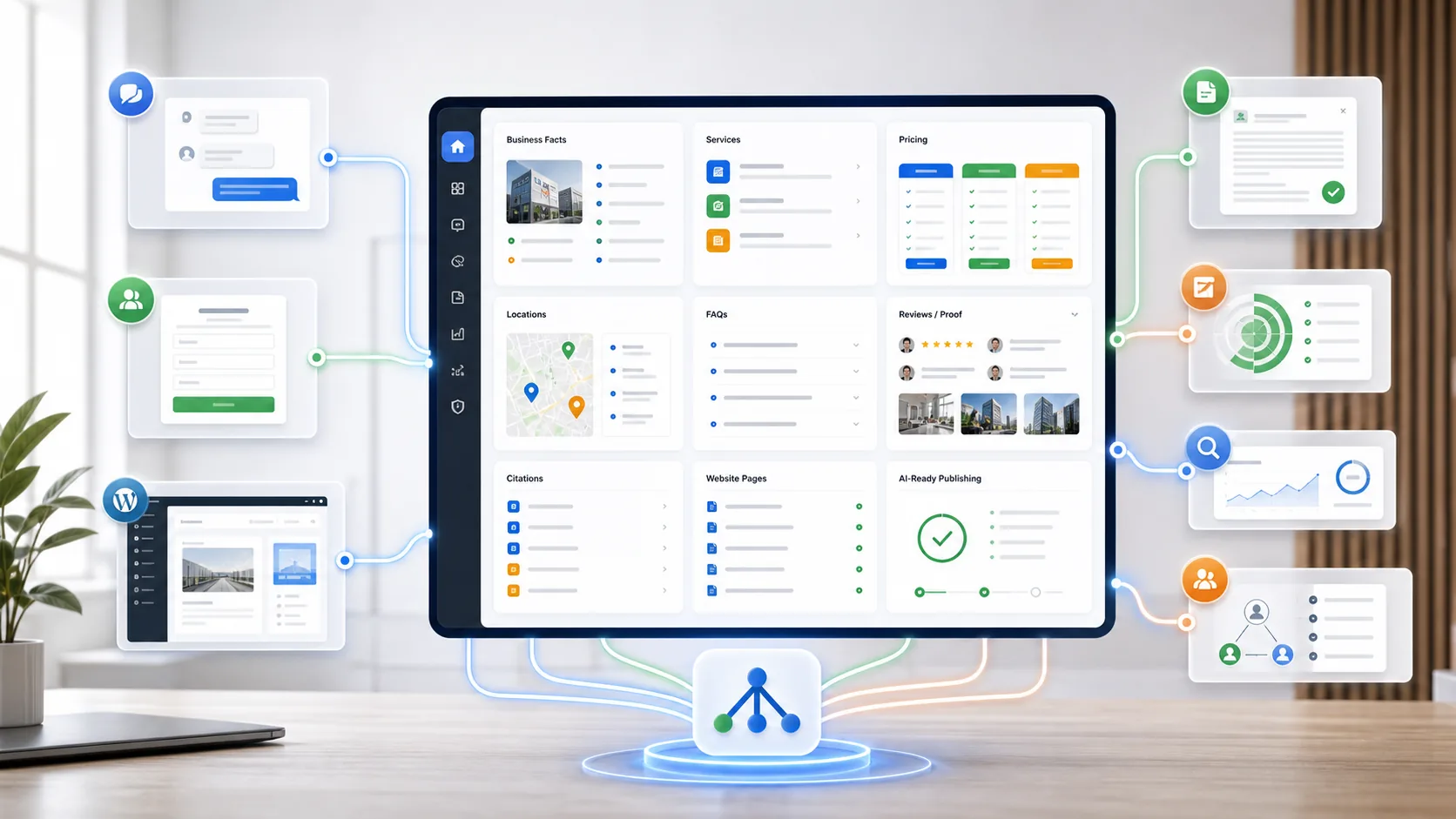
The chatbot uses your AI Hub so answers stay aligned with your services, proof, FAQs, offers, locations, and contact paths.
Chat Before The Form
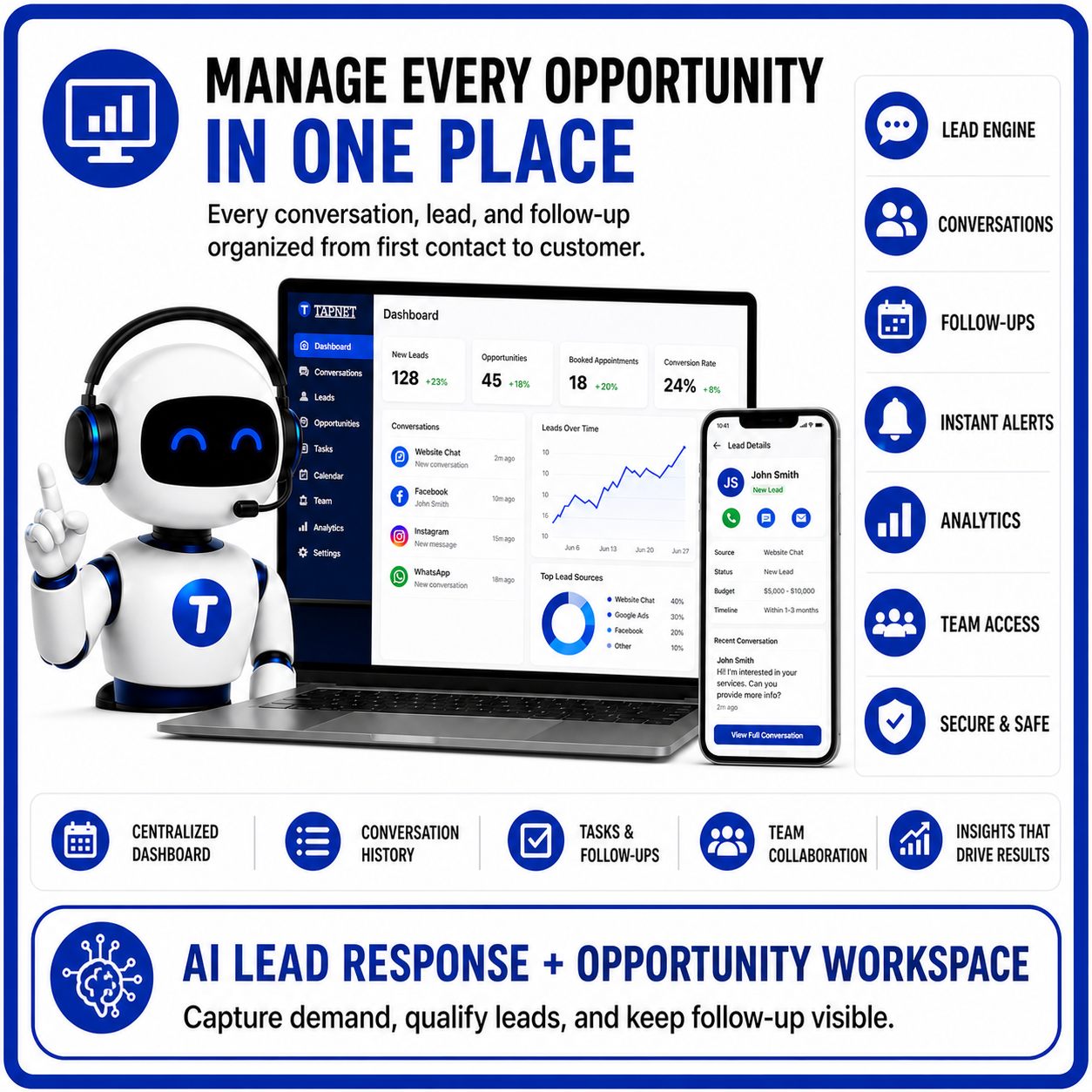
Let visitors ask service, pricing, location, proof, booking, quote, and policy questions before they decide to contact you.
Capture When Ready
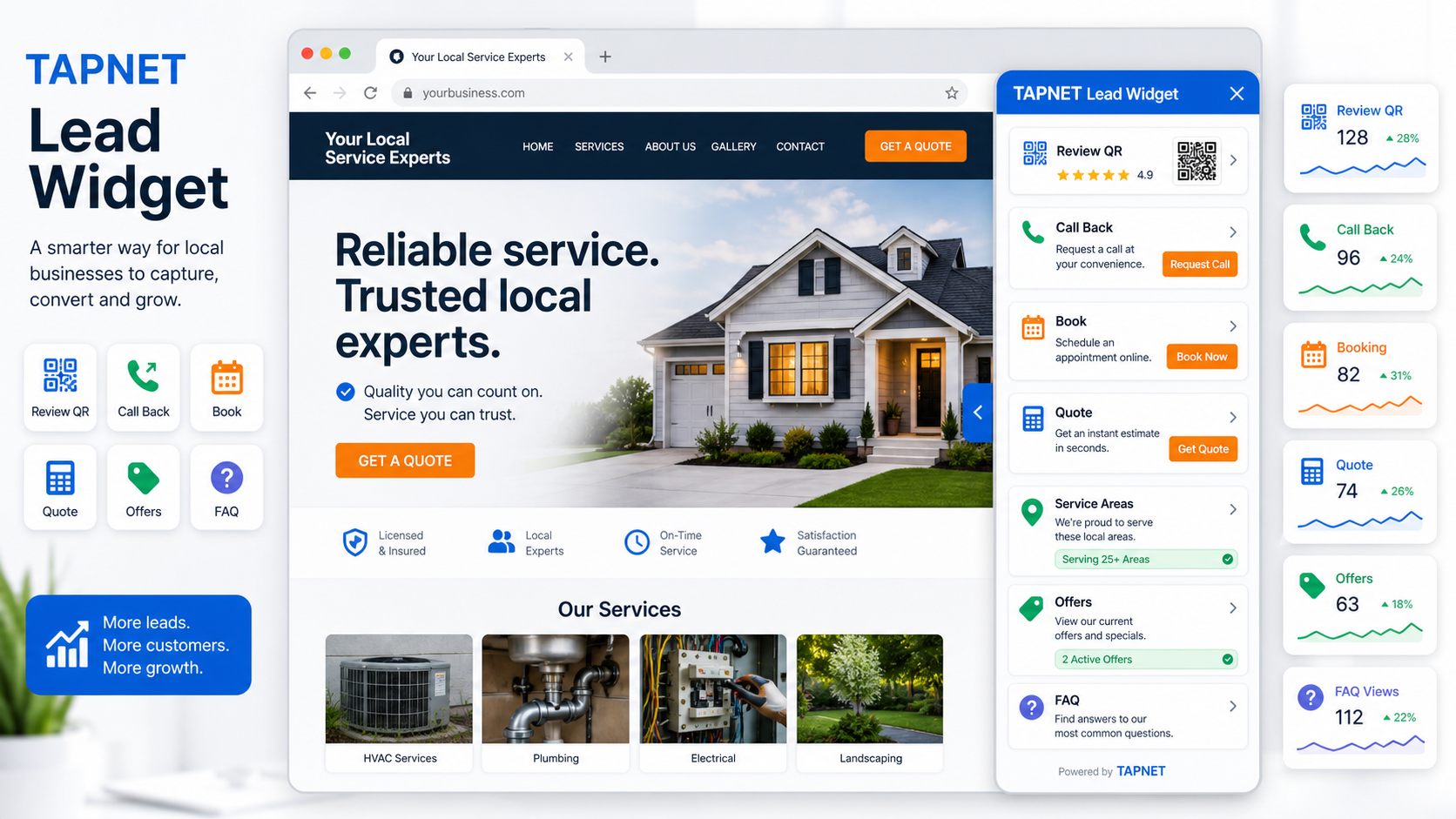
When intent is clear, the chatbot can collect contact details and send the team the conversation context.
What Makes It Work
Chatbot Rollout
Start Website Chatbot
Use AI Hub knowledge to answer visitors, qualify real intent, and hand off conversations when someone is ready to take the next step.
Start Website Chatbot