Vendor Integration

Vendor API Integration

Connect Your Forms, CRM, Or Automation Platform To TAPNET Lead Engine

Use the TAPNET Lead Capture API when your platform needs to send qualified form submissions or lead events into TAPNET for routing, notification, and follow-up.

Activate Vendor Access

Who this integration is for

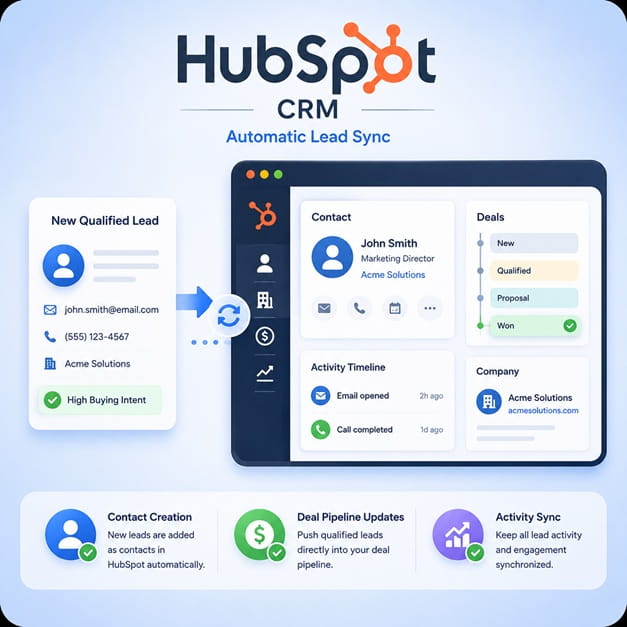
The Vendor Integration page is for CRM platforms, email automation tools, lead capture form builders, workflow tools, and agency platforms that want to send customer leads into TAPNET Lead Engine.

A vendor can use the integration when their users collect a lead in their own platform and want that lead delivered into TAPNET for lead tracking, assignment, notification, and follow-up workflows.

  • CRM systems that need to create TAPNET Lead Engine records from external contacts
  • Email automation platforms that capture subscriber or inquiry forms
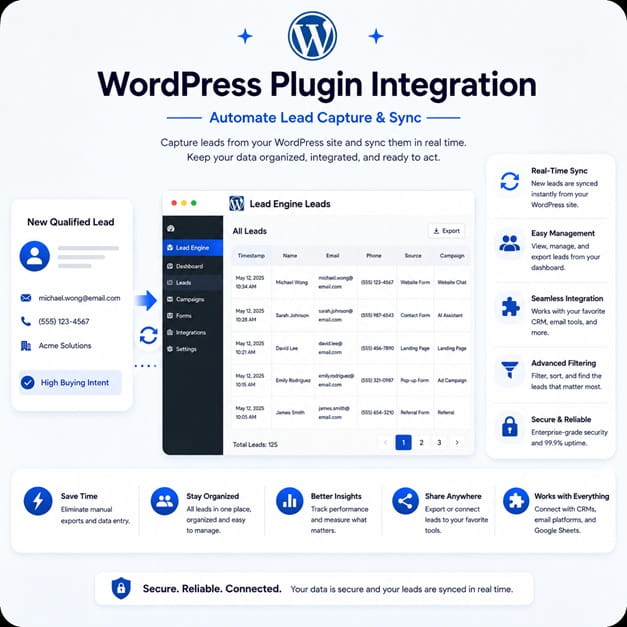
  • Form builders and WordPress plugins that collect website lead submissions
  • Agency tools that manage intake across multiple client websites
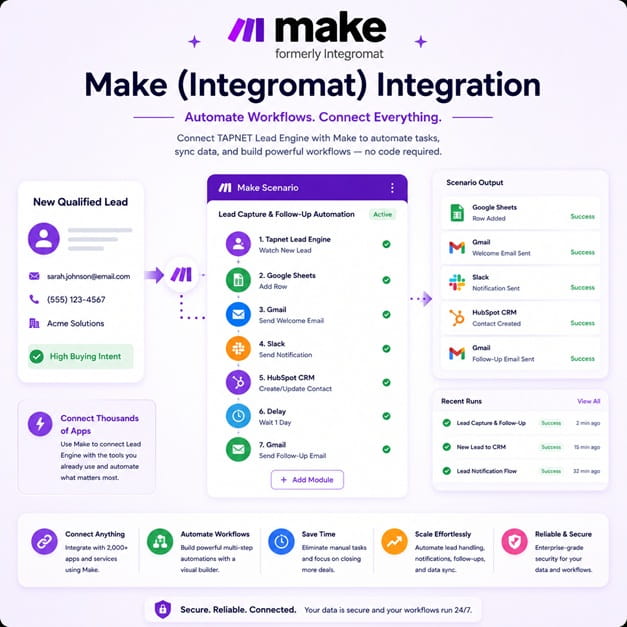
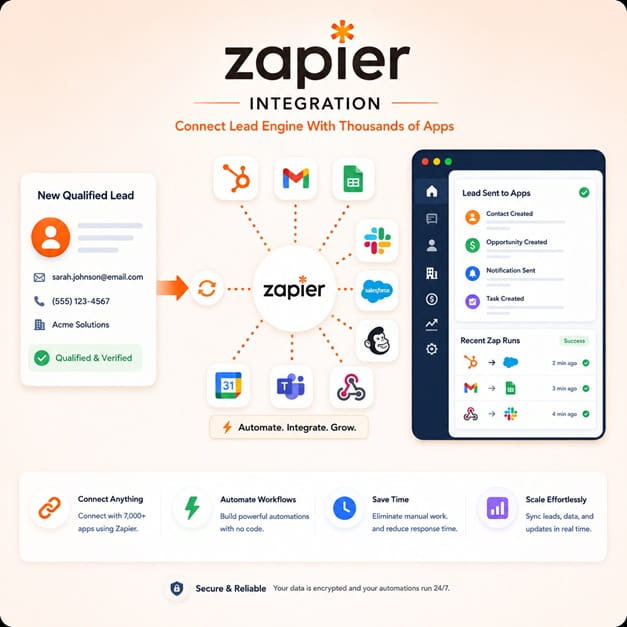
  • Workflow platforms that need a simple HTTP endpoint for lead handoff

Recommended integration flow

The simplest flow is: your form or CRM captures a lead, your platform sends the lead payload to the TAPNET Lead Capture API, and TAPNET Lead Engine stores the lead for review, routing, and follow-up.

For production integrations, TAPNET can help confirm campaign mapping, expected fields, lead source naming, and any account-level routing rules before vendor customers start sending volume.

  • Vendor captures a form submission, CRM contact, or automation event
  • Vendor sends the lead to TAPNET using the account Intake API Key
  • TAPNET Lead Engine stores the lead with source, campaign, and contact context
  • The TAPNET account owner reviews the lead, routes follow-up, and tracks activity

Authentication and vendor access

Each TAPNET account uses its own Intake API Key for lead delivery. API keys should be treated as secrets and stored server-side by the vendor or integration owner.

Vendors can register for TAPNET, open the Store from the customer portal, and activate a chatbot or Lead Engine plan. Use promo code VENDORS when ordering vendor test access.

  • Create or sign in to a TAPNET account
  • Open Store from the customer portal and choose a chatbot or Lead Engine plan
  • Apply promo code VENDORS during checkout
  • Open Lead Engine and copy the Intake API Key from the developer integration area
  • Use the key only from trusted server-side integration code

If a vendor needs production approval, domain locking, key rotation, or custom routing, contact TAPNET before launching the integration to customers.

Fields developers should send

TAPNET works best when the lead payload includes the buyer contact details, the form or source that created the lead, and enough context for the business to respond quickly.

  • Contact details: name, email, phone, company, and location
  • Lead message: the inquiry, selected service, notes, or form answers
  • Source details: vendor name, form ID, page URL, referrer, campaign, and UTM fields
  • Consent details: opt-in status, consent text, timestamp, and privacy source when available
  • Routing details: service interest, target location, account, campaign, or assigned team when supported

Testing checklist

Developers should send a small number of test leads before enabling production traffic. Use clear test names and source labels so the TAPNET account owner can confirm that the delivery, routing, and lead display are working as expected.

  • Send one lead with full contact details and one lead with only required fields
  • Confirm the API returns an accepted response
  • Confirm the lead appears in TAPNET Lead Engine with the correct source label
  • Confirm notifications, routing, or campaign assignment behave as expected
  • Confirm no API key is exposed in browser JavaScript or public logs

Developer and partnership support

Most vendors do not need a custom contact form to begin. Start by activating vendor access, reviewing the API brief, and sending test leads through the Lead Capture API.

Developer review

Send the TAPNET API brief to your developers so they can review the endpoint, authentication model, sample payloads, and test workflow.

Production approval

Contact TAPNET when you need custom source mapping, production launch review, domain locking, key rotation, or vendor partnership terms.