TAPNET Lead Assist | Free Chrome Extension for Lead Capture

TAPNET Lead Assist

Capture Prospects From the Web Into TAPNET Lead Engine

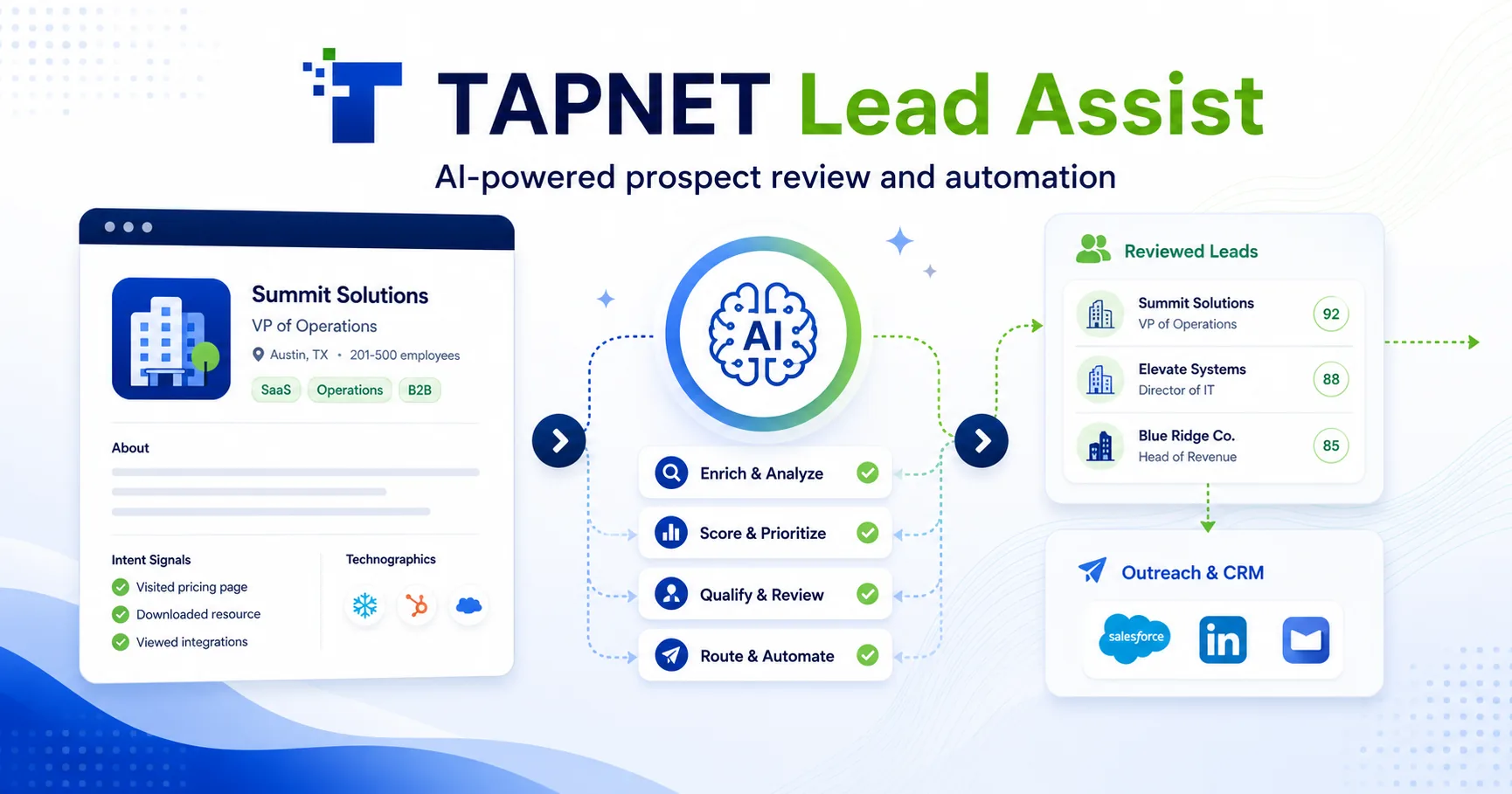
TAPNET Lead Assist Chrome extension graphic showing reviewed prospect capture into Lead Engine.

Use TAPNET Lead Assist to capture visible profile details, review lead intelligence, route prospects to campaigns or lists, and prepare outreach drafts without bulk scraping or automated harvesting.

Free Chrome extension Reviewed visible capture Lead Engine ready

Use cases for daily prospecting

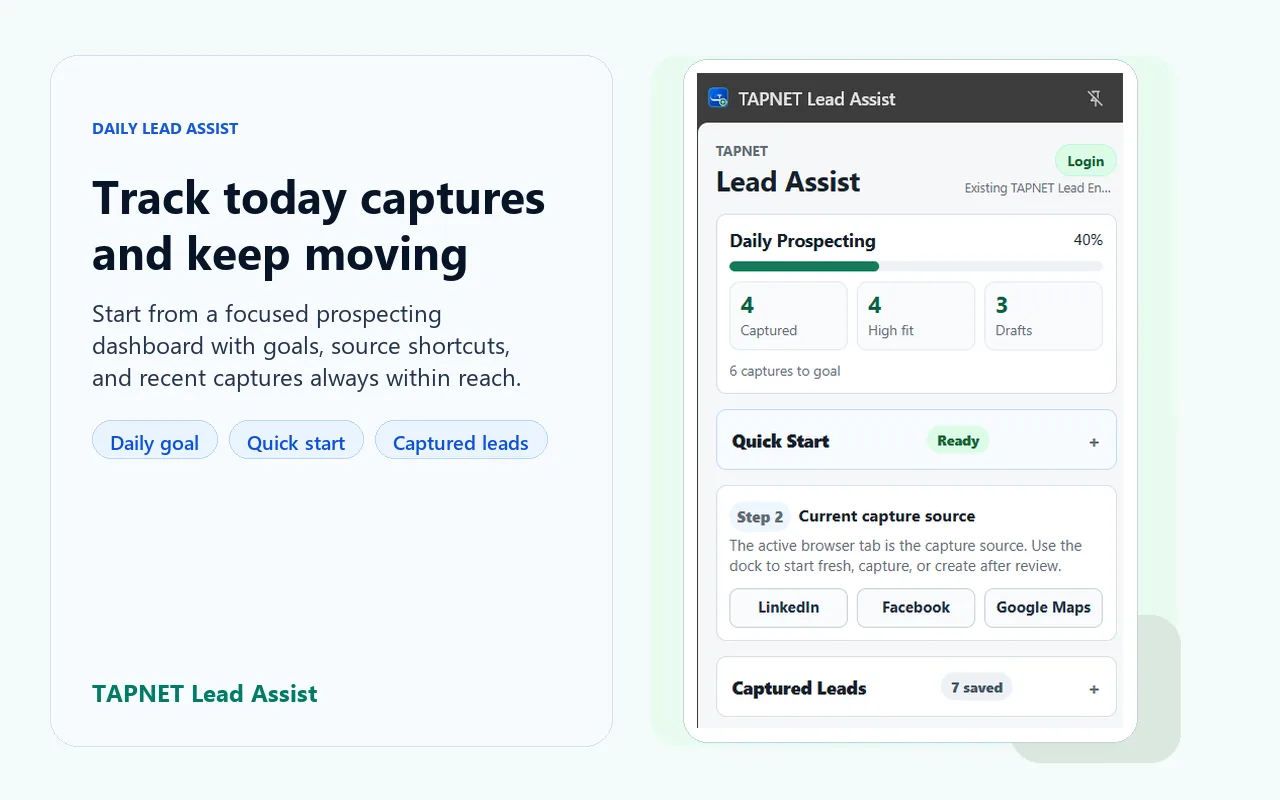
Social profile review Capture visible LinkedIn or Facebook profile context while the prospect is already on screen.
Local business discovery Turn Google Maps and business page research into reviewed Lead Engine records.
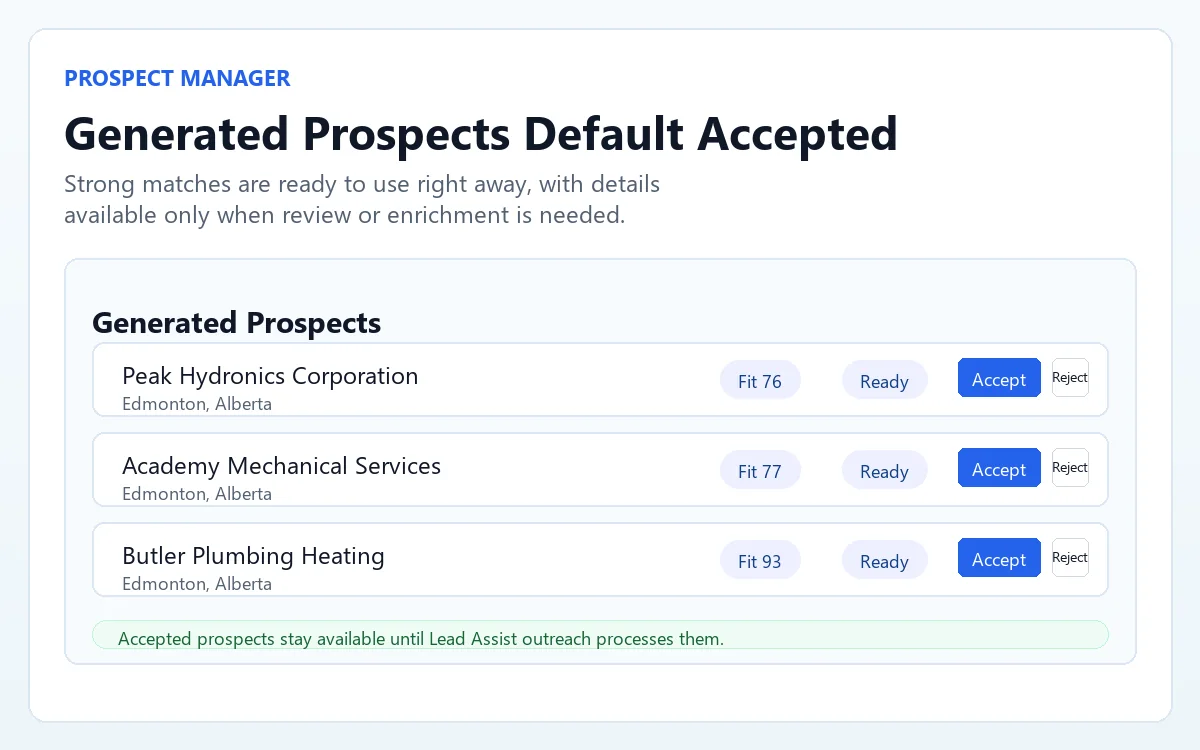
Campaign sourcing Route good-fit prospects into the right campaign, list, and tag path before follow-up starts.
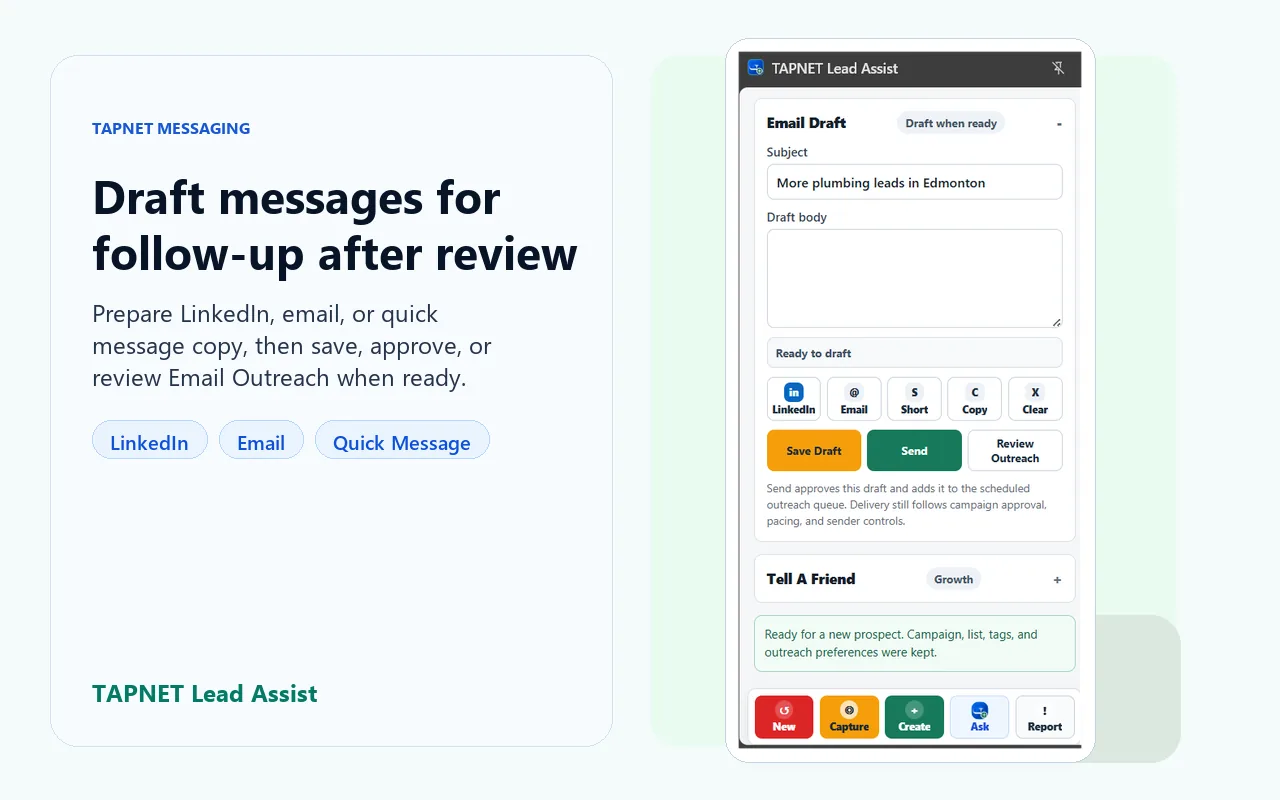
Outreach preparation Stage a prospect summary and Email Outreach draft support so the next message has context.

Key features

Lead Assist is built for user-reviewed capture from the current browser tab, then organized routing into TAPNET Lead Engine workflows.

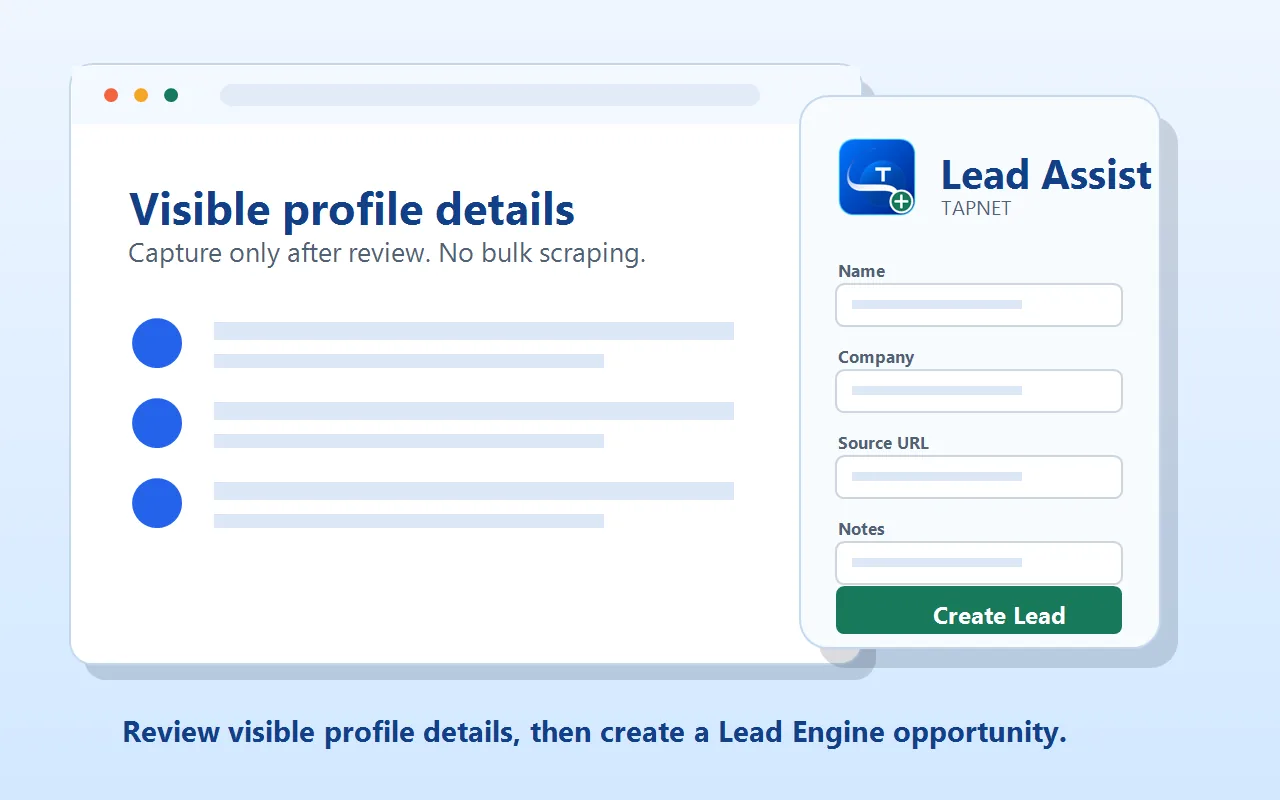
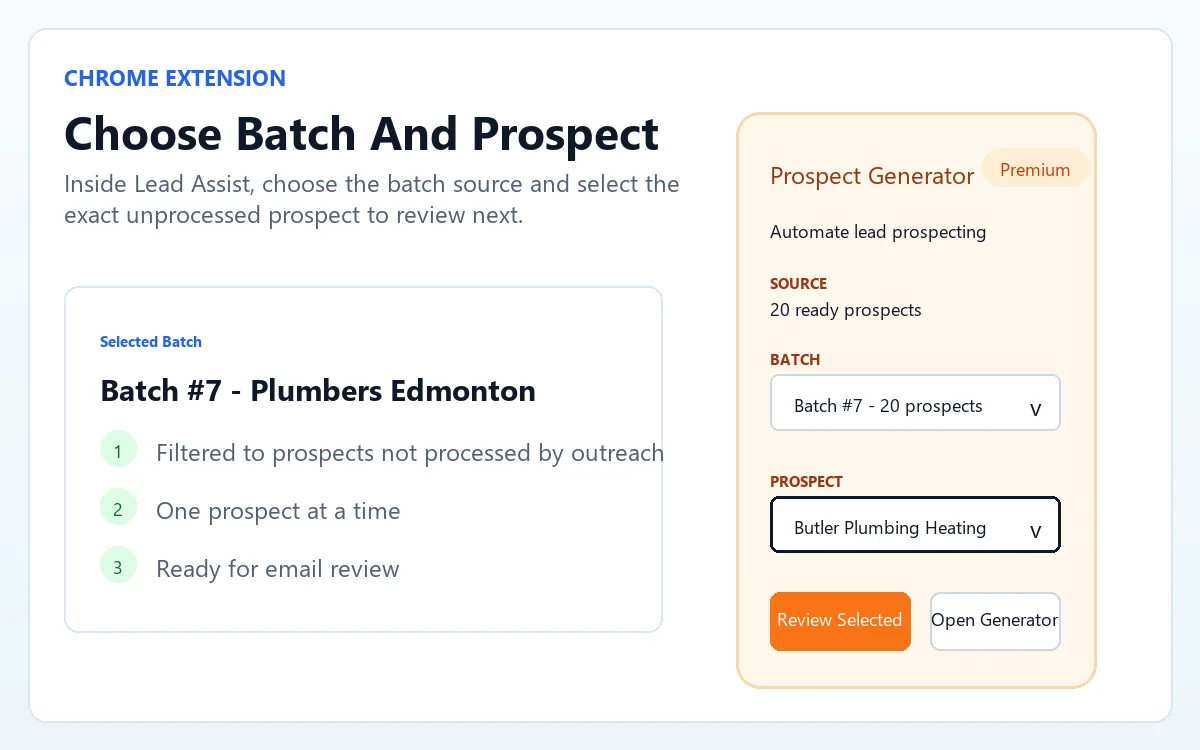
Visible profile capture Capture visible profile, business page, and webpage details after opening the prospect manually.
  • LinkedIn, Facebook, Google Maps, and webpages
  • Current-tab capture
  • No background crawling
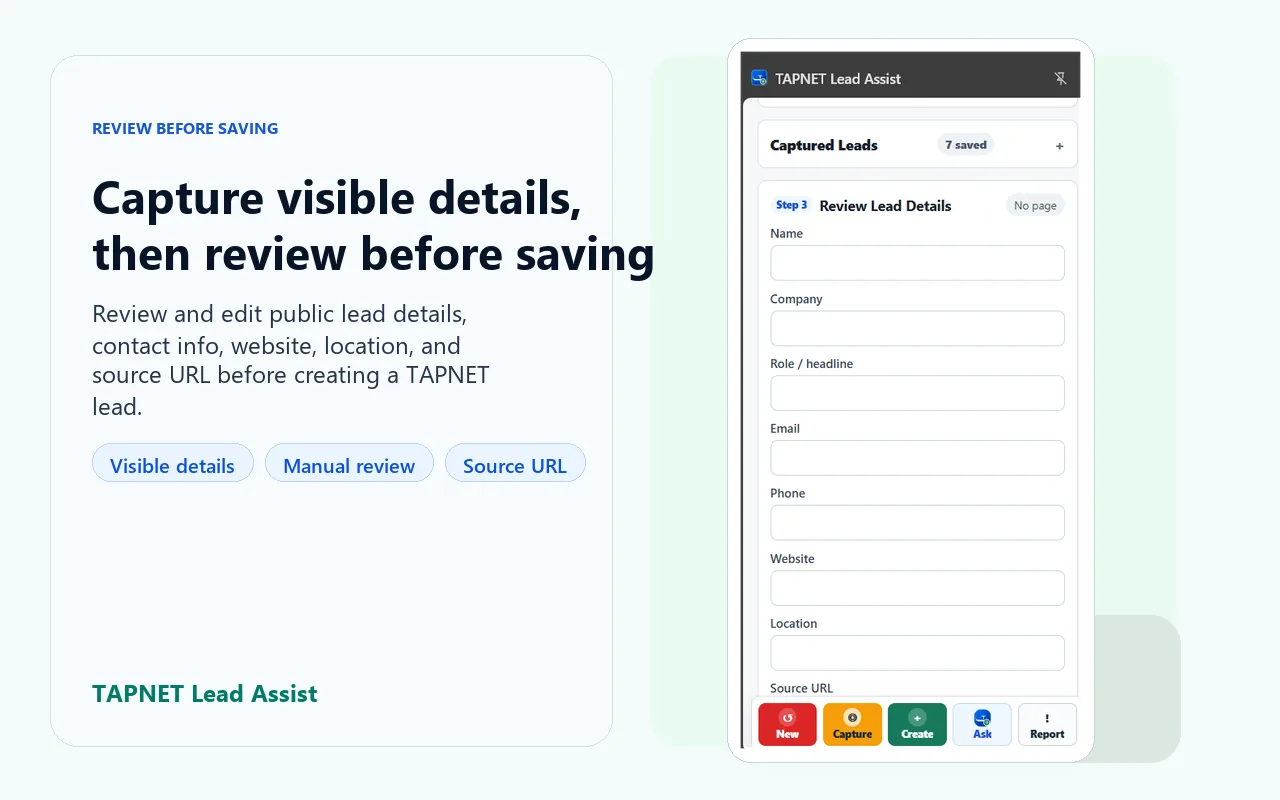
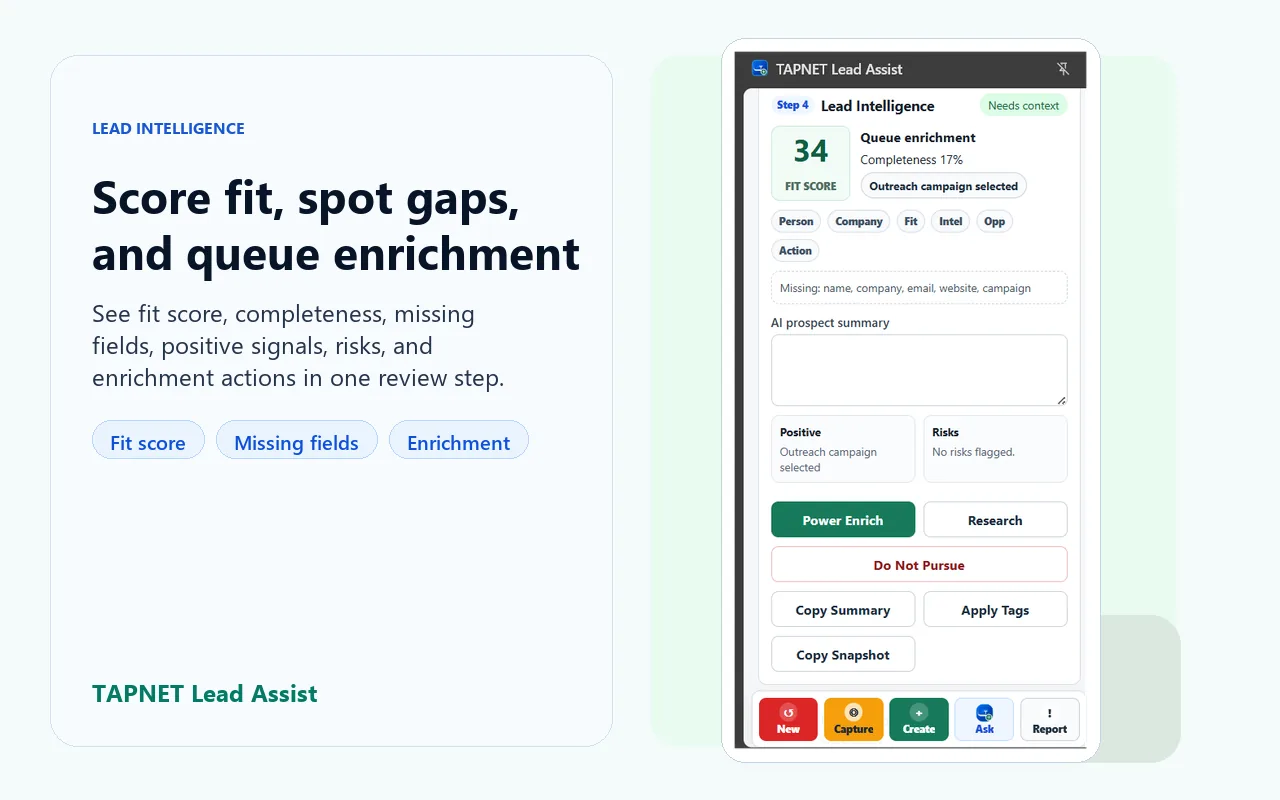
Review before saving Edit the lead before it is sent into TAPNET so the saved record is useful and intentional.
  • Prospect summary
  • Fit score
  • Duplicate checking
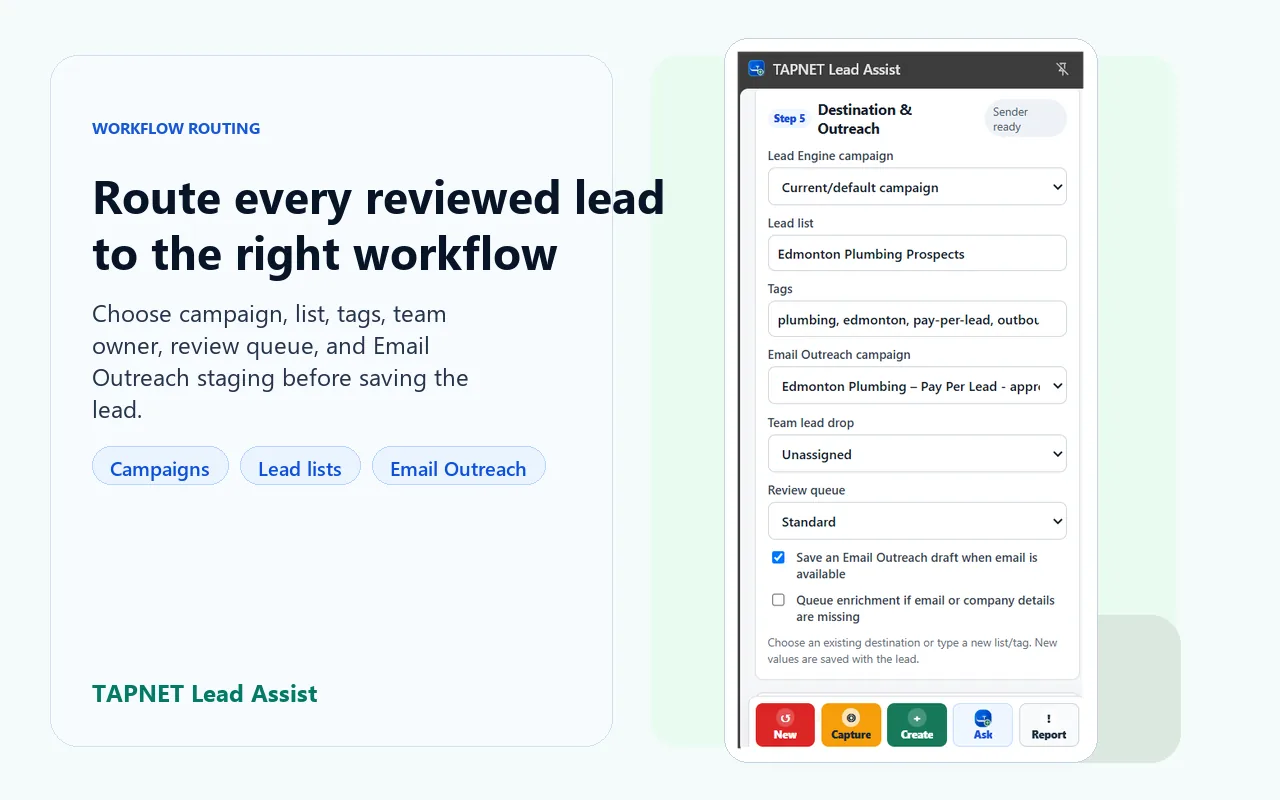
Lead Engine routing Send reviewed prospects into the Lead Engine paths that already organize follow-up work.
  • Campaign routing
  • Suggested tags and lists
  • Enrichment support
Outreach workflow support Keep prospecting activity connected to follow-up instead of scattered across browser tabs and notes.
  • Email Outreach draft support
  • Daily prospecting goal
  • Affiliate-aware sharing

Built for responsible prospecting

Lead Assist is for manual, user-reviewed lead capture. It helps a person capture visible details from the page they are viewing, review them, and decide whether to save the prospect.

  • Capture reviewed, visible page details
  • No bulk scraping
  • No automated harvesting

Lead Engine integration

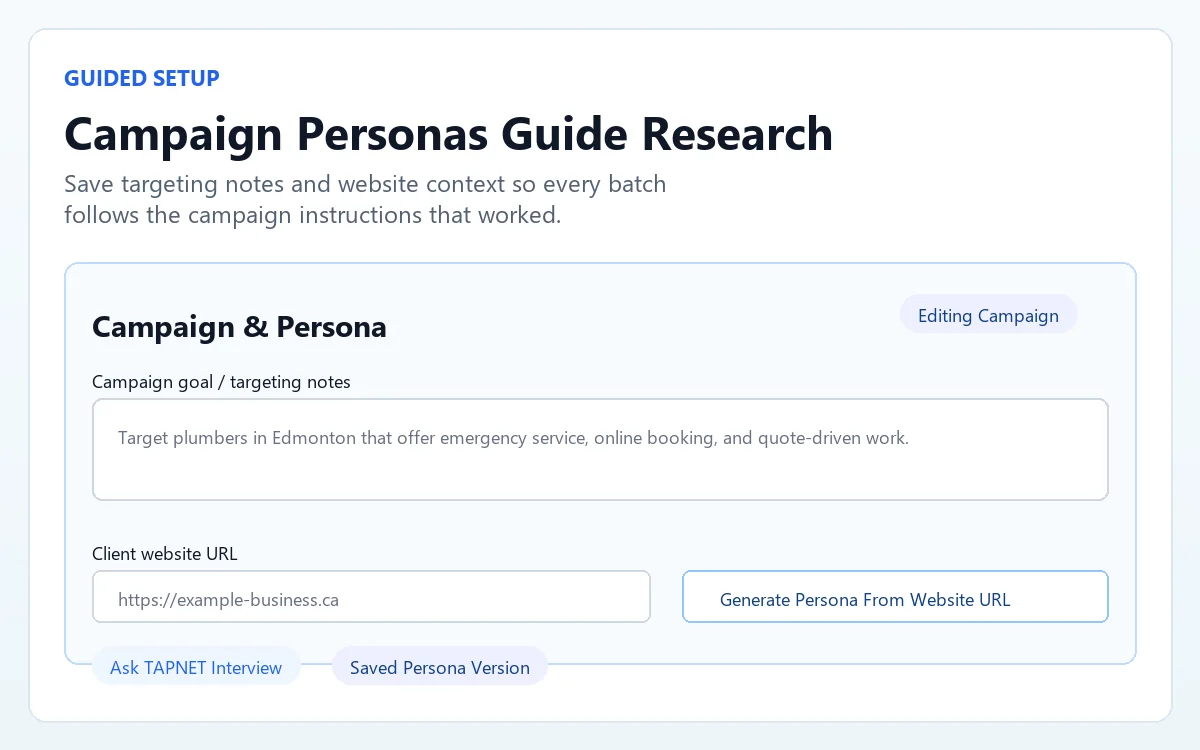
Lead Assist works best with a TAPNET Lead Engine subscription. Users enable Lead Assist in their Lead Engine workspace, copy the connection key, and paste it into the Chrome extension.

  • Scoped Lead Assist connection key
  • Lead Engine campaigns, lists, and tags
  • Enrichment and duplicate checks
  • Email Outreach draft support

FAQ

Short answers for teams deciding how Lead Assist fits into their prospecting workflow.

Is Lead Assist free?

The Chrome extension is free to install. Sending reviewed leads into TAPNET requires a Lead Engine connection.

Do I need TAPNET Lead Engine?

Yes for the connected workflow. Lead Engine provides the connection key, campaign routing, lists, tags, enrichment, and Email Outreach paths.

Does it scrape automatically?

No. Lead Assist is designed for user-assisted capture from the current page, with review before saving. It is not for bulk scraping, background crawling, or automated harvesting.

Which websites does it support?

Lead Assist is built for visible prospect details on sites such as LinkedIn, Facebook, Google Maps, and general webpages. Capture quality depends on what is visible on the page.

Can I send leads to Email Outreach?

Yes. When the Lead Engine account has Email Outreach available, Lead Assist can support outreach draft preparation from the reviewed prospect context.

Where do I get the connection key?

Open Lead Engine, go to the Lead Assist setup card, enable Lead Assist, then copy the connection key into the Chrome extension.

How Lead Assist works

1 Open a profile or business page Start from the prospect page you are already reviewing.
2 Capture visible page details Lead Assist reads visible details from the current tab after you choose to capture.
3 Review and edit the lead Confirm the profile details, summary, fit, tags, and routing before saving.
4 Route into Lead Engine Send the reviewed lead into campaigns, lists, tags, enrichment, or an Email Outreach draft.

Install Lead Assist and connect Lead Engine

Install the free Chrome extension, then use your Lead Engine workspace to create the connection key that routes reviewed prospects into TAPNET.

Install Free Chrome Extension